
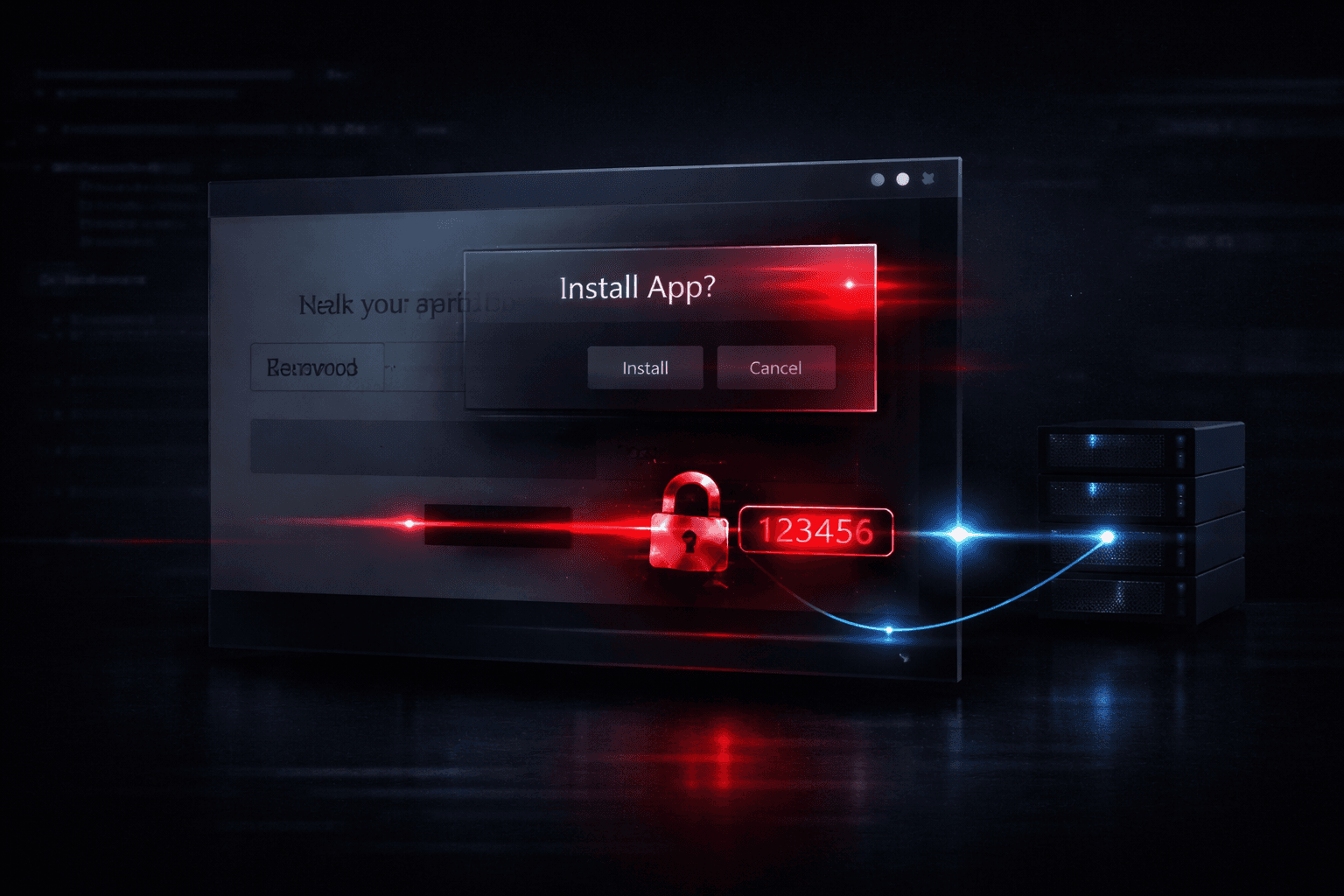
In mid-2024, a phishing campaign began circulating that looked, at first glance, like a routine Google security alert. The lure was convincing: an urgent notification warning users their Gmail account had been accessed from an unrecognized device. Clicking through led to a pixel-perfect replica of a Google login page — but with a twist most users had never encountered. The site triggered a browser install prompt, asking the victim to add a "Google Security" application to their device. That "app" was a Progressive Web App (PWA): a browser-based application that installs like native software, persists between sessions, overlays the real browser UI, and harvests credentials and MFA codes in real time. No antivirus flagged the install. No browser warning fired. The session replay began silently the moment the victim typed their password. This post breaks down how PWA-based phishing works technically, why it bypasses conventional defenses, and what identity and security teams protecting Google Workspace tenants should do now.
How PWA Phishing Works: From Lure to Account Takeover
The Attack Chain Step by Step
Traditional phishing ends when a victim submits credentials to a fake form. PWA phishing extends the session indefinitely by installing a persistent attacker-controlled application on the victim's device. The full chain operates as follows:
- Lure delivery — Email or SMS message impersonates a Google security alert, citing a suspicious sign-in from a new location or device (urgency framing mapped to MITRE ATT&CK T1566.001, Spearphishing Attachment, or T1566.002 via link)
- Credential harvest page — Victim lands on a spoofed Google login replica with valid-looking domain (e.g.,
google-security-alert[.]com) and a padlock icon from a free TLS certificate - PWA install prompt — The page triggers
beforeinstallpromptAPI event, presenting a browser-native install dialog that looks indistinguishable from a legitimate app install - Persistent overlay and keylogging — The installed PWA launches in a standalone window with no browser chrome, URL bar, or security indicators; it intercepts keystrokes and overlays real Google login flows (T1056.001, Keylogging)
- MFA interception — OTP codes sent via SMS are captured through screen overlay or real-time session relay to the attacker's backend; the attacker uses them before they expire (T1111, Multi-Factor Authentication Interception)
- Account takeover — With valid session tokens, the attacker pivots to Gmail, Google Drive, Google Workspace admin panels, or OAuth-connected third-party services
Why PWAs Are Effective as an Attack Vehicle
PWAs are legitimate web applications that use service workers, manifest files, and browser install APIs to behave like native apps. They were designed to improve mobile user experience, and the install infrastructure is built directly into Chrome, Edge, and Safari. That legitimacy is exactly what attackers exploit.
A PWA runs in its own window with no URL bar visible by default. A victim who installs the rogue application sees what looks like a native desktop or mobile app — not a browser tab — with no way to verify the origin URL without deliberately inspecting it. The service worker, once registered, persists even after the browser tab is closed. It can intercept network requests, cache attacker-controlled content, and maintain state across reboots, functioning more like a browser extension than a traditional phishing page.
Why Conventional Defenses Miss This Attack
Browser Warnings Don't Fire on PWA Installs
Standard phishing defenses rely on Google Safe Browsing, Microsoft SmartScreen, or similar URL reputation systems to warn users before they reach a malicious page. These systems flag known-bad domains and display interstitial warnings. PWA phishing sidesteps this in two ways. First, attacker-registered domains are clean at time of use — often less than 48 hours old. Second, the PWA install prompt itself is a browser-native UI element, not a suspicious download, so no security warning accompanies it.
Important: Enterprise DLP tools and secure email gateways that scan links at click-time typically cannot inspect what happens after a page load — specifically whether a PWA install prompt fires. The install event is a JavaScript API call, not a file download, so it generates no alert in most endpoint security stacks.
Antivirus and EDR Gaps
PWAs don't download executables. The "application" is HTML, CSS, JavaScript, and a manifest file served over HTTPS. On Windows, the installed PWA appears in the Start menu and taskbar like any native application — Chrome-based PWAs are registered as .exe-less shortcuts under %APPDATA%\Microsoft\Windows\Start Menu\Programs. EDR solutions that rely on process creation events tied to known executable signatures will see a Chrome subprocess, not a suspicious binary. The malicious logic runs entirely inside the browser's JavaScript engine.
Session Hijacking Without Password Storage
Modern PWA phishing campaigns don't always need to store or transmit the plaintext password. The more sophisticated variants use a transparent proxy approach — the PWA relays the victim's browser session to the real Google authentication endpoint in real time, receives the authenticated session cookie, and forwards it to the attacker. This is functionally equivalent to an adversary-in-the-middle (AiTM) attack (T1557) but delivered through an installed application rather than a network-layer proxy like Evilginx. Session cookies harvested this way bypass even hardware FIDO2 keys in some implementations if the victim's browser session is captured post-authentication.
Detection and Hunting Opportunities
The table below maps PWA phishing stages to detection logic security teams can implement now.
| Attack Stage | MITRE ATT&CK | Detection Opportunity | Data Source |
|---|---|---|---|
| Phishing lure delivery | T1566.001 / T1566.002 | Email header analysis; domain age < 7 days | Email gateway, DNS logs |
| Fake login page load | T1056.001 | URL categorization; cert transparency monitoring | Proxy logs, CT logs |
| PWA install event | T1176 (Browser Extensions) | Service worker registration in browser telemetry | Chrome Enterprise, Endpoint telemetry |
| Persistent overlay active | T1056.001 | Anomalous Chrome subprocess with no parent browser window | EDR process tree |
| MFA code capture | T1111 | Impossible travel; new session from unrecognized IP post-MFA | IdP logs (Google Workspace Admin) |
| Session token theft | T1539 | Concurrent sessions from different geographies | SIEM correlation |
| Account takeover | T1078 | New OAuth grants; admin activity from new device | Google Workspace audit logs |
Hunting for Rogue PWA Installations
In a Google Workspace environment, the most accessible hunting data lives in the Admin Console and Chrome Browser Cloud Management. Specific queries to run:
- Chrome Browser Cloud Management: Filter for service worker registrations on domains not in your approved list
- Google Workspace audit logs: Alert on new device sign-ins followed immediately by OAuth application grants
- Proxy logs: Flag requests to
manifest.jsonorsw.js(service worker) files from domains registered within the past 30 days - EDR: Hunt for Chrome-spawned processes running in
--appmode pointing to external domains outside your known SaaS inventory
Pro Tip: Chrome Enterprise's ExtensionInstallBlocklist policy can be extended to block PWA installs from specific domains or non-allowlisted origins using the WebAppInstallForceList policy in reverse — configure DefaultWebAppInstallation to deny installs from unmanaged sources on corporate devices. This doesn't require MDM and can be pushed via Group Policy or Google Admin on managed Chrome profiles.
Security Controls and Framework Mapping
Technical and Policy Controls
| Control | Risk Reduction | Framework Mapping |
|---|---|---|
| Block PWA installs via Chrome policy (managed devices) | Eliminates install vector entirely | CIS Control 4.8; NIST SP 800-53 SI-3 |
| FIDO2 / hardware security keys (not SMS OTP) | Removes SMS interception risk | NIST AAL3; ISO 27001 A.9.4.2 |
| Google Workspace Context-Aware Access (device trust) | Blocks unrecognized device sessions post-theft | NIST CSF Protect PR.AC-3 |
| Certificate Transparency monitoring | Detects newly issued certs for lookalike domains | CIS Control 13.2 |
| Security awareness training with PWA simulation | Reduces install prompt success rate | ISO 27001 A.7.2.2; NIST AT-2 |
| Conditional Access: block sessions without device compliance | Limits attacker utility of stolen tokens | CIS Control 6.7 |
Compliance Implications
For organizations under GDPR, a successful account takeover leading to Gmail or Drive access triggers Article 33 breach notification obligations if personal data was accessible in that account — the 72-hour clock starts at confirmed discovery. Under HIPAA, any Workspace account used to store or transmit PHI that is compromised via AiTM session theft is a reportable breach regardless of whether PHI was actually accessed. SOC 2 Type II auditors will look for evidence of phishing-resistant MFA (FIDO2 or certificate-based) as a mitigating control; SMS OTP, even with phishing simulation programs in place, no longer satisfies this bar against AiTM-capable attacks.
Security Awareness Training: Incorporating PWA Phishing Scenarios
What Users Need to Recognize
Traditional phishing training teaches users to check URLs, look for HTTPS, and avoid suspicious attachments. PWA phishing invalidates two of those heuristics. HTTPS is present. The "application" install prompt looks like a legitimate software installation. Training programs must now include a new recognition pattern: a browser-initiated app install prompt from a security alert is always suspicious.
Specific behaviors to train:
- Any webpage that presents a "install app" or "add to desktop" prompt after a security alert is a red flag, regardless of the page's visual appearance
- Legitimate Google security tools are never installed through a browser install prompt during an alert flow
- The absence of a URL bar in an app window is not a sign of legitimacy — it means the victim cannot verify where they are
- SMS-based OTP requests that arrive moments after entering credentials on an unfamiliar page should be treated as a potential interception event
Phishing Simulation Recommendations
If you run a phishing simulation program (KnowBe4, Proofpoint Security Awareness, or equivalent), request or build a PWA-vector template. The simulation should include the full flow: lure email → spoofed login page → PWA install prompt. Measure not just credential submission rates but also PWA install rates — the latter is your true exposure indicator. Organizations that have run these simulations report install rates of 15–25% among users who have never been trained on this specific vector.
Key Takeaways
- Block PWA installs on managed devices via Chrome Enterprise policy before a campaign targets your users — this is the highest-leverage single control
- Migrate from SMS OTP to FIDO2 for any Google Workspace account with access to sensitive data; SMS interception is a solved problem for motivated attackers
- Enable Google Workspace Context-Aware Access to require device compliance checks on all sign-ins, limiting stolen session token utility
- Add PWA-vector scenarios to phishing simulations and train users specifically that browser install prompts from security alert pages are always suspicious
- Hunt service worker registrations in Chrome Browser Cloud Management weekly; rogue PWAs leave a registration artifact that survives the phishing page being taken down
- Monitor for new OAuth grants and impossible travel events in Workspace audit logs as post-compromise indicators when a session is taken over
Conclusion
PWA phishing represents a meaningful evolution in credential harvesting — not because the underlying technique is novel, but because it leverages browser infrastructure that organizations have not historically monitored or controlled. The install API was designed for legitimate productivity use cases, and that legitimacy is now being weaponized against Gmail and Workspace users at scale. The attack succeeds not because defenses are absent, but because they're pointed at the wrong layer: executable files, known-bad URLs, and suspicious downloads. None of those heuristics fire on a JavaScript install event from a clean domain. The practical next step is a Chrome Enterprise policy audit: confirm that DefaultWebAppInstallation and ExtensionInstallBlocklist are configured on all managed devices, and schedule a PWA-specific phishing simulation within your next awareness training cycle. Don't wait for a confirmed incident in your environment to validate the exposure.
Frequently Asked Questions
Q: Can this attack affect iPhone and Android users, or only desktop browsers? Yes — PWA phishing works on mobile as well. Chrome on Android and Safari on iOS both support PWA installation. On Android, Chrome-based PWA installs are particularly seamless and look nearly identical to Google Play app installs. Mobile users are arguably more vulnerable because the smaller screen makes it harder to notice the absence of a URL bar in the standalone app window.
Q: Does using a password manager protect against this attack? Partially. A password manager that only auto-fills on the legitimate Google domain will refuse to fill credentials on the spoofed login page, providing a meaningful warning. However, if the victim manually types their password anyway — which a significant percentage do when the password manager doesn't auto-fill — the protection fails. Password managers are a useful defense layer but not a complete mitigation against a determined user who dismisses the auto-fill failure.
Q: What's the difference between this and a regular AiTM phishing kit like Evilginx? Traditional AiTM kits operate as network-layer proxies: all traffic between the victim's browser and the real service passes through the attacker's server in real time. PWA phishing doesn't necessarily require a persistent proxy infrastructure — the installed PWA can capture credentials locally via JavaScript keylogging and exfiltrate them asynchronously. This makes PWA attacks harder to detect through network traffic analysis and more resilient to C2 takedowns.
Q: Will FIDO2 hardware keys stop this attack entirely?
FIDO2 hardware keys (like YubiKeys or Google Titan) are resistant to phishing because the key's cryptographic assertion is bound to the origin domain. A rogue PWA operating on a fake domain cannot obtain a valid FIDO2 assertion for accounts.google.com. This is the strongest available control against credential theft. The caveat: if the attacker successfully installs the PWA and captures a session cookie after a legitimate FIDO2 authentication event (i.e., the victim authenticates on the real Google, and the PWA steals the resulting cookie via overlay), FIDO2 doesn't help at that point. Context-Aware Access and device trust controls address this residual risk.
Q: How do we report a rogue PWA to Google?
Submit the malicious domain to Google Safe Browsing via safebrowsing.google.com/safebrowsing/report_phish/. Also report the specific PWA manifest URL to Google's Chrome abuse team. For domains impersonating Google services specifically, the Google Trust & Safety team has a dedicated reporting pathway at support.google.com/legal/troubleshooter/1114905. If the campaign is targeting your organization specifically, open a case with Google Workspace support — they can flag the domain at the infrastructure level faster than public reporting queues.

Enjoyed this article?
Subscribe for more cybersecurity insights.