
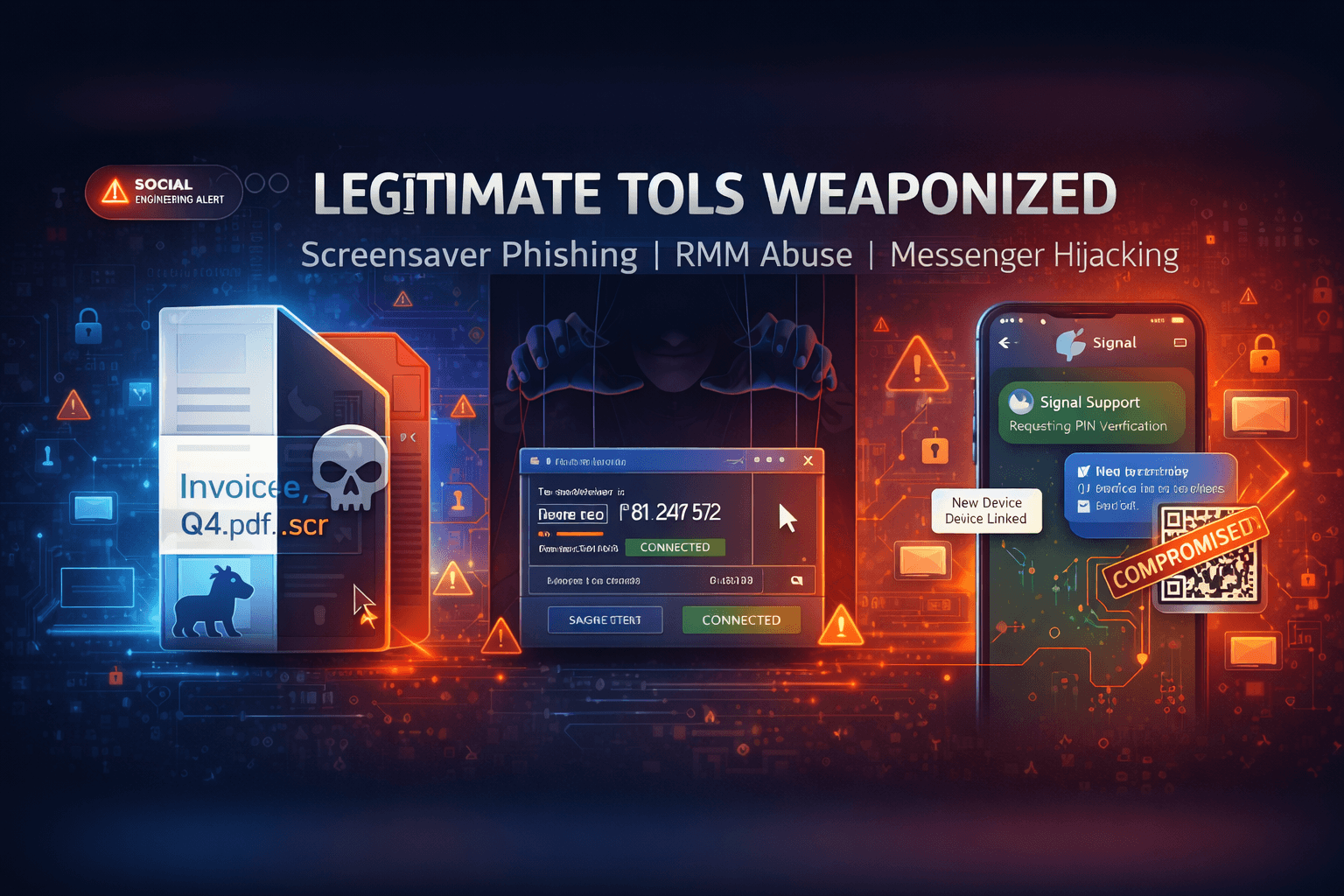
Attackers deployed Windows screensaver files disguised as business invoices and contracts in February 2026, silently installing legitimate remote management software on corporate workstations. The .scr file format—a legacy Windows feature from the 1990s—executes with identical privileges as standard .exe programs while bypassing email security filters focused on obviously executable extensions. Users believed they opened invoice PDFs when Windows actually launched code installing SimpleHelp, AnyDesk, or similar RMM agents registering with attacker-controlled consoles.
ReliaQuest researchers documented the spearphishing campaign targeting financial services, professional services, and manufacturing organizations through business-themed lures linking to cloud storage platforms. Meanwhile, German intelligence agencies warned that state-sponsored actors exploited Signal messenger device-linking features to compromise politicians, military officers, and diplomats without requiring technical vulnerabilities or encryption breaks.
These convergent campaigns demonstrate attackers increasingly prefer social engineering over technical exploitation. Rather than developing custom malware or purchasing zero-day exploits, adversaries convince users to voluntarily install legitimate remote access tools or share authentication credentials through carefully crafted impersonation and urgency manipulation. This article examines how familiar workflows and recognizable brands become attack vectors when adversaries exploit trust rather than code vulnerabilities.
Screensaver Files Deliver Remote Access Tools
Windows Legacy Feature Resurfaces
Windows screensaver files with .scr extensions represent standard executable programs functionally identical to .exe files but with different file associations. The format originated in early Windows versions when screensavers prevented CRT monitor burn-in. Modern operating systems maintain backward compatibility allowing .scr files to execute with full system privileges including software installation, registry modification, and network access capabilities.
Email security filters and endpoint protection platforms traditionally focus detection on .exe, .bat, .vbs, and .js extensions while overlooking .scr files entirely. This filtering gap enables screensaver-based phishing to bypass automated security controls that would block identical payloads delivered through conventional executable formats. Many legacy security policies never incorporated .scr restrictions because the file type seemed obsolete and low-risk.
The attack combines technical file format exploitation with visual deception through double extensions. Files named InvoiceDetails.pdf.scr or Contract_Final.docx.scr appear as legitimate documents when Windows Explorer hides known file extensions—the default configuration on most corporate workstations. Users see InvoiceDetails.pdf expecting document content rather than executable code.
Phishing Campaign Deployment Methodology
Initial contact arrives as spearphishing emails from compromised or spoofed business contacts discussing invoices, contracts, shipping notifications, or project timelines. The business correspondence context creates trusted communication environments where recipients expect file exchanges. Messages include links to cloud storage platforms—GoFile, Dropbox, Google Drive—hosting screensaver files disguised as business documents.
Cloud storage platform usage appears legitimate because organizations routinely use these services for large file transfers exceeding email attachment size limits. Professional-looking file-sharing notifications reduce recipient suspicion. The infrastructure abuse demonstrates how attackers weaponize trusted services rather than deploying obviously malicious infrastructure triggering security alerts.
Important: Upon execution, screensaver files install properly code-signed RMM agents like SimpleHelp while displaying brief loading screens or decoy documents. The installed agents register with attacker-controlled remote consoles establishing persistent connections surviving system reboots and automatically reconnecting after network interruptions. Users experience no obvious malicious behavior—the "invoice" might briefly display before closing, appearing as normal file access.
Table: Screensaver Attack Progression
| Stage | Attacker Activity | Victim Perception | Security Control Bypass |
|---|---|---|---|
| Initial Contact | Spearphishing from spoofed business contact | Legitimate invoice/contract correspondence | Email authentication passes |
| File Delivery | Cloud storage link (GoFile, Dropbox) | Normal file-sharing workflow | Trusted cloud platforms |
| Download | Victim downloads Invoice.pdf.scr | Sees only "Invoice.pdf" with hidden extension | File extension filtering gap |
| Execution | Screensaver launches RMM installation | Brief loading or decoy document appears | Code-signed software whitelisted |
| Post-Compromise | RMM establishes persistent C2 connection | No suspicious behavior detected | Legitimate software, encrypted traffic |
Detection Challenges and Organizational Impact
The installed RMM tools are genuine commercially available software with valid code signatures from recognized vendors. Signature-based detection mechanisms fail because no malicious code exists—the software functions exactly as designed providing remote access, command execution, file transfer, and system monitoring capabilities. Behavioral analysis cannot distinguish attacker-controlled RMM agents from legitimate IT support tools already deployed throughout enterprise environments.
Network monitoring provides minimal visibility because RMM connections use standard HTTPS/TLS protocols communicating with legitimate vendor cloud infrastructure rather than obviously suspicious command-and-control servers. Organizations frequently whitelist popular RMM platforms like AnyDesk and TeamViewer for IT support operations, preventing endpoint security tools from blocking installations or flagging connections as anomalous.
The campaign targeted financial services organizations with invoice-themed lures, professional services firms with contract and proposal themes, and manufacturing companies with shipping and order notifications. Geographic distribution suggests opportunistic rather than targeted espionage, indicating potential precursor activity for ransomware deployment or business email compromise follow-on attacks.
Remote Management Platform Exploitation
Commercial Software as Attacker Infrastructure
Remote Monitoring and Management platforms designed for IT administrators provide attackers with professionally developed alternatives to custom remote access trojan development. These commercial tools offer comprehensive remote control capabilities, software deployment and update mechanisms, system health monitoring, technical support interfaces, command and script execution, and file transfer functionality—exactly matching post-exploitation operational requirements.
Attackers deploying legitimate RMM platforms avoid maintaining custom malware requiring ongoing development and infrastructure costs, leverage vendor-provided cloud services eliminating command-and-control server management, benefit from built-in persistence mechanisms designed to survive reboots and network changes, exploit existing organizational whitelisting of popular remote access tools, and operate through encrypted communications channels evading network-based detection.
Pro Tip: The strategic shift from custom malware to commercial tool abuse represents sophisticated operational security. Custom malware creates unique signatures enabling detection and attribution. Commercial RMM platforms provide superior stability, features, and operational security at zero development cost while blending with legitimate IT operations.
Multi-Campaign Social Engineering Patterns
ThreatsDay bulletin analysis documented multiple concurrent RMM abuse campaigns operating through distinct social engineering approaches. Voicemail-themed banking phishing sends emails or SMS messages claiming new voicemail from financial institutions or tax authorities. Landing pages require "security verification via remote session" before accessing messages, with instructions guiding victims through installing Remotely RMM or similar platforms under identity verification pretenses.
Tech support impersonation campaigns deploy pop-up messages claiming security issues, expired licenses, or critical system errors with instructions to contact support numbers or chat with technicians. Fake support agents create urgency claiming severe compromise requiring immediate remote access to "resolve security problems." Victims believe they receive protective technical support while actually granting attackers persistent infrastructure access.
Business IT impersonation emails from spoofed internal IT departments announce mandatory security updates, policy compliance checks, or required software upgrades. Messages incorporate internal company terminology mimicking legitimate IT communication styles. Company-branded instructions direct employees to install specific RMM tools for "compliance verification" or "audit access," establishing attacker control while users believe they follow standard IT procedures.
Table: Commonly Exploited RMM Platforms
| Platform | Attacker Selection Criteria | Legitimate Deployment Frequency | Detection Difficulty |
|---|---|---|---|
| AnyDesk | Widely adopted, free tier, simple deployment | Very High (ubiquitous) | Very High (normal in enterprises) |
| TeamViewer | Strong brand recognition, user trust | Very High (millions installed) | Very High (legitimate everywhere) |
| ScreenConnect | Enterprise features, branding customization | Medium-High (enterprise-focused) | Medium (less common in SMB) |
| SimpleHelp | Low cost, self-hosted options | Medium | Medium (less mainstream recognition) |
| Remotely | Open-source, full-featured, free | Low-Medium (newer platform) | Medium-Low (less common) |
Organizational Whitelisting Creates Security Paradox
Many organizations maintain pre-approved RMM platform lists for legitimate IT support operations, creating security paradoxes where identical tools serve both authorized support and attacker infrastructure. Security teams cannot distinguish legitimate IT support sessions from unauthorized attacker access when both use the same software, connection protocols, and vendor cloud services.
Legitimate business requirements for remote technical support prevent blanket RMM platform blocking. Organizations must implement granular controls defining approved tools, requiring IT approval workflows before installation, maintaining comprehensive asset inventories of all RMM deployments, monitoring connection patterns for behavioral anomalies, and establishing alert thresholds for unusual remote session activity including off-hours access or unfamiliar geographic locations.
Encrypted Messenger Account Compromise
State-Sponsored Signal Phishing Campaigns
Germany's Federal Office for the Protection of the Constitution and Federal Office for Information Security issued February 2026 joint advisories warning about state-sponsored phishing attacks exploiting Signal messenger targeting parliamentarians, political party officials, military officers, diplomatic personnel, and investigative journalists across Germany and European Union nations.
Attackers contact victims directly within Signal using spoofed identities mimicking official support accounts—"Signal Support," "Signal Security Team," or profiles copied from trusted contacts. Messages claim account security risks, imminent message loss, or mandatory security upgrades creating urgency. Instructions request Signal PIN sharing, SMS verification code forwarding, or QR code scanning for "device verification" or "secure linking."
Important: End-to-end encryption protects message transmission confidentiality but cannot prevent compromise when users authorize attacker devices as legitimate endpoints through credential sharing. Once attackers register their own devices using stolen authentication codes, they become authorized participants in encrypted conversations receiving all future messages as intended Signal functionality.
Multi-Device Architecture Exploitation
Signal's architecture supports multiple devices registered to single phone numbers through account-linking mechanisms. When victims share authentication credentials, attackers register Signal on their own devices while original users often maintain simultaneous access. This parallel device registration prevents immediate compromise detection because victims continue using Signal normally while attackers passively monitor all communications.
Attacker-registered devices gain complete access to victim profile information, comprehensive contact lists, all existing group memberships with full group chat contents, and future messages in real-time. Some account-linking flows provide access to limited message history—typically the most recent 45 days depending on synchronization settings and device configurations.
The attack exploits psychological vulnerabilities rather than cryptographic weaknesses. Users specifically selecting Signal for security demonstrate elevated baseline trust in platform communications. Messages from "Support" and "Security" personas carry inherent authority particularly when claiming to prevent security problems. Urgency language demanding immediate action to "prevent account loss" reduces critical thinking and verification behaviors.
Cross-Platform Attack Applicability
BSI advisories explicitly warned that identical social engineering techniques affect WhatsApp, Telegram, and other messengers implementing multi-device functionality through account-linking mechanisms. WhatsApp Web and Desktop use QR code scanning for device authorization, creating vulnerability when attackers convince victims to scan malicious codes. Telegram requires SMS verification code sharing enabling account registration on attacker-controlled devices.
The fundamental vulnerability transcends specific messenger platforms. Any communication system supporting multi-device access through user-provided credentials becomes susceptible when users cannot distinguish legitimate support requests from sophisticated impersonation attempts. Organizations adopting encrypted messengers for sensitive communications must recognize encryption strength provides zero protection against authorized endpoint compromise through social engineering.
Table: Messenger Platform Vulnerability Comparison
| Platform | Linking Mechanism | Authentication Requirements | Documented Attacks | Encryption Status |
|---|---|---|---|---|
| Signal | QR code / manual verification | SMS code + PIN | Confirmed (Germany, 2026) | Intact |
| QR code (Web/Desktop) | SMS verification code | Highly feasible | Intact | |
| Telegram | Code to existing session | SMS code + optional password | Feasible with social engineering | Intact |
| iMessage | Apple ID authentication | Apple ID password + 2FA | Requires stronger credentials | Intact |
Defense Strategy Transformation
Policy and Technical Control Integration
Organizations must block .scr file execution organization-wide through Group Policy Software Restriction Policies or AppLocker implementations eliminating the attack vector entirely. Windows configuration should enforce file extension display preventing visual deception from double extensions like Invoice.pdf.scr appearing as innocent documents. Email gateway filtering should treat .scr attachments as executable content equivalent to .exe programs requiring quarantine or deletion.
RMM tool governance requires maintaining comprehensive allowlists documenting approved remote access platforms with application control blocking all unauthorized tools. Standard users should lack software installation privileges preventing RMM deployment without IT approval. Network monitoring must alert on outbound connections to RMM service providers not appearing on organizational allowlists, particularly during off-hours or from unusual user accounts.
Messenger security protocols for high-risk personnel require strict out-of-band verification for any authentication credential requests. Policies must explicitly prohibit sharing SMS codes, authenticator app outputs, or application PINs under any circumstances regardless of apparent request legitimacy. Device-linking notifications should trigger immediate verification through official vendor websites or known support contacts rather than in-message instructions.
User Awareness as Primary Defense
Technical controls cannot prevent compromise when users voluntarily install legitimate software or share authentication credentials believing they follow proper procedures. Security awareness training must address specific attack vectors: screensaver file phishing, unsolicited RMM installation requests, and messenger credential solicitation through spoofed support contacts.
Training should emphasize that file extensions determine execution behavior and Windows hides them by default, legitimate IT departments use established communication channels rather than unsolicited installation requests, and messenger platforms never request PINs or verification codes through in-app messages. High-risk users including executives, politicians, defense personnel, and journalists require enhanced training covering sophisticated social engineering techniques tailored to their roles.
Clear organizational protocols must define verification procedures for security-related requests. Any instruction to install remote access software requires IT approval through established ticketing systems or direct phone contact using known numbers. Messenger authentication requests trigger mandatory verification through official vendor websites or out-of-band confirmation calls before credential sharing.
Behavioral Detection and Rapid Response
Security teams must implement behavioral monitoring detecting unusual .scr file execution, unexpected RMM software installation, or connections to unauthorized remote access services. Endpoint detection and response platforms should flag first-time RMM agent deployment particularly when combined with unusual file access patterns or data staging behaviors suggesting exfiltration preparation.
Incident response playbooks for RMM compromise must prioritize immediate network disconnection recognizing attackers may have real-time access and visibility into remediation attempts. Complete RMM software removal requires checking for additional persistence mechanisms including scheduled tasks, registry run keys, and secondary backdoors deployed after initial access. All credentials used on compromised systems require rotation assuming attacker harvesting.
Post-incident analysis should interview affected users understanding specific social engineering approaches employed. Security teams must update training materials and policies based on observed tactics, sharing indicators with peer organizations through information sharing communities. The feedback loop from incident response to user education represents critical defense improvement cycles.
Table: Defense Control Priority Matrix
| Attack Vector | Primary Control | Secondary Control | Implementation Effort | Effectiveness |
|---|---|---|---|---|
| .scr Execution | Block via Group Policy | Show file extensions | Low (policy change) | 95%+ prevention |
| RMM Installation | Application whitelisting | Installation privilege removal | Medium (policy + technical) | 90%+ prevention |
| Messenger Phishing | Out-of-band verification training | Device-linking alerts | Medium (training program) | 75%+ prevention |
| Cloud Storage Links | URL filtering + analysis | User reporting mechanisms | High (technical + cultural) | 65%+ prevention |
Key Takeaways
- Windows screensaver .scr files execute as standard programs with full privileges while bypassing email filters focused on .exe extensions, enabling silent RMM deployment through business-themed phishing
- Attackers prefer legitimate commercial RMM platforms over custom malware because professionally developed tools provide superior features, persistence, and operational security at zero development cost
- German intelligence documented state-sponsored Signal messenger phishing targeting high-value individuals through social engineering rather than encryption exploitation or technical vulnerabilities
- End-to-end encryption protects message transmission but cannot prevent compromise when users authorize attacker devices as legitimate endpoints through credential sharing
- Technical security controls alone cannot prevent compromise when adversaries exploit trust in familiar workflows and recognizable brands rather than software vulnerabilities
- Defense requires comprehensive user awareness training, strict out-of-band verification protocols, and behavioral monitoring detecting legitimate tool abuse rather than malicious signature detection
Conclusion
The convergence of screensaver file phishing, RMM platform abuse, and encrypted messenger account hijacking represents fundamental adversary tactical evolution from technical exploitation to social engineering. Security teams defending infrastructure through firewalls, endpoint protection, and encryption face persistent compromise when attackers convince users to voluntarily install remote access tools or share authentication credentials through sophisticated impersonation and urgency manipulation.
The strategic challenge these attacks present is that legitimate software functioning exactly as designed serves hostile purposes when controlled by adversaries. Screensaver files execute programs as Windows intended. RMM tools provide remote access exactly as vendors designed. Messenger device-linking enables multi-device use as platforms architected. No vulnerabilities exist to patch, no malicious signatures exist to detect, and no exploit chains exist to disrupt—only user trust determines whether tools serve legitimate or malicious objectives.
Organizations must recognize that technical security investments alone cannot prevent compromise when adversaries exploit trust rather than code flaws. Defense requires building security-aware cultures where users recognize social engineering patterns, verify requests through out-of-band channels before sharing credentials or installing software, and report suspicious contacts immediately without fear of criticism for false positives.
The shift from custom malware development to legitimate tool weaponization represents sophisticated operational security evolution. Attackers avoid detection signatures, infrastructure costs, and development complexity by simply convincing users that AnyDesk installation or Signal PIN sharing represents normal security procedures. As these social engineering techniques continue refining and expanding, organizations must shift security investment from pure technology deployment toward comprehensive awareness programs building human resilience against manipulation attempts.
Frequently Asked Questions
Q: Why do attackers use .scr screensaver files instead of traditional .exe malware?
A: Screensaver files bypass email security filters and endpoint protection policies focusing on .exe, .bat, and .js extensions while executing with identical privileges. Double extensions like Invoice.pdf.scr appear as innocent documents when Windows hides file extensions, exploiting both technical filtering gaps and visual deception.
Q: How can organizations detect unauthorized RMM tool installations?
A: Implement application whitelisting requiring IT approval before remote access software installation, maintain comprehensive asset inventories of authorized RMM deployments, monitor network traffic for unexpected connections to RMM service providers, and deploy behavioral analytics detecting first-time RMM agent execution combined with unusual file access or data staging patterns.
Q: Can Signal's encryption protect against the phishing attacks German intelligence warned about?
A: No, end-to-end encryption protects message confidentiality during transmission but cannot prevent compromise when users share authentication credentials allowing attackers to register their own devices as authorized endpoints. Once registered, attacker devices receive all future messages as intended Signal functionality, with encryption protecting the path between legitimate and attacker devices.
Q: What distinguishes legitimate IT support requests from RMM phishing attempts?
A: Legitimate IT departments use established communication channels including internal ticketing systems, pre-announced maintenance windows, and official support portals rather than unsolicited emails or messages requesting immediate software installation. Organizations should implement mandatory out-of-band verification requiring employees to confirm requests through known IT phone numbers before installing any remote access software.
Q: Should organizations ban all RMM tools to prevent abuse?
A: Complete RMM blocking prevents legitimate IT support operations requiring remote access for troubleshooting and maintenance. Instead, implement application whitelisting defining approved platforms, require IT approval workflows before installation, maintain asset inventories of all deployments, monitor connection patterns for behavioral anomalies, and establish alerts for off-hours access or connections to unauthorized services.

Enjoyed this article?
Subscribe for more cybersecurity insights.