
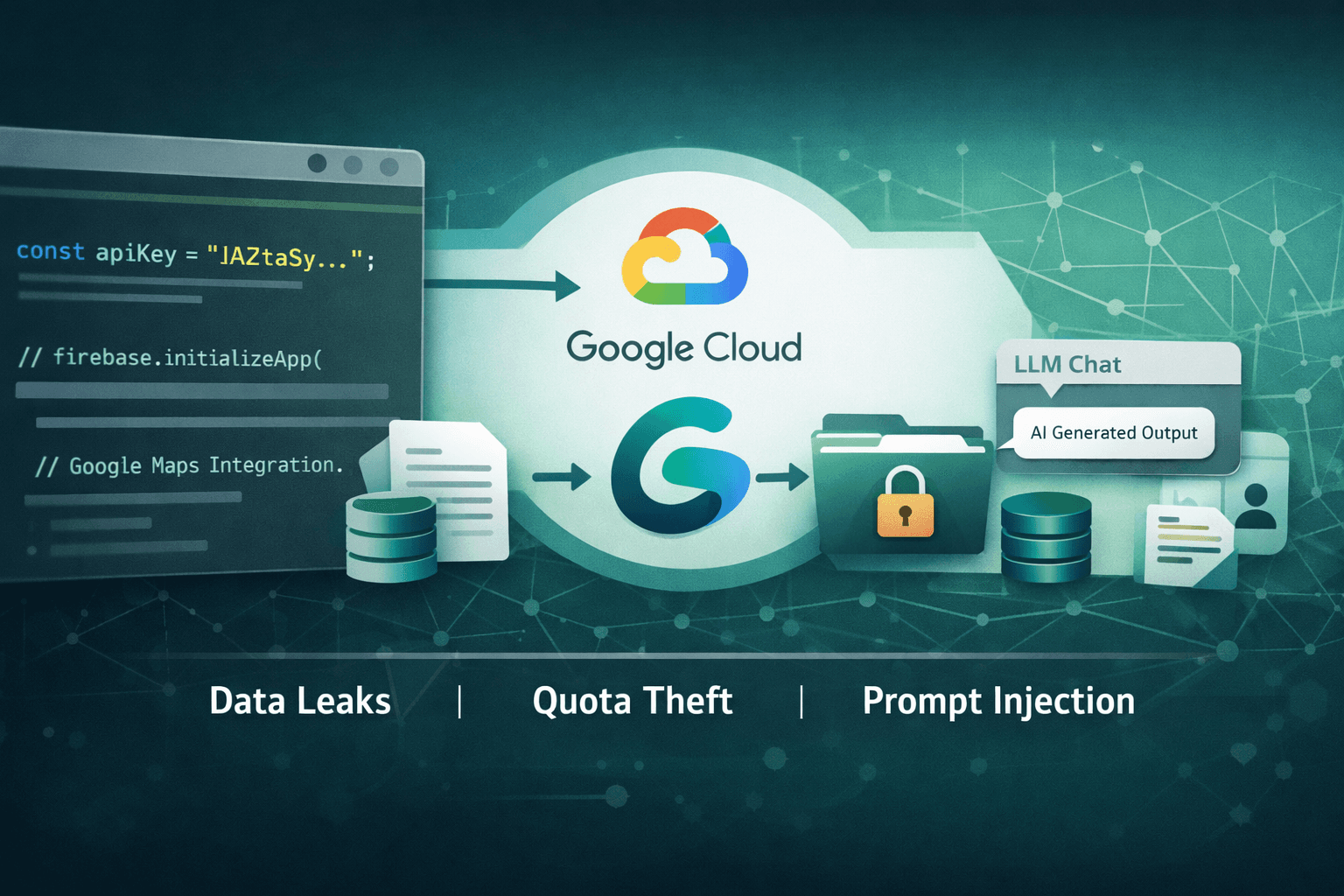
Nearly 3,000 public websites are unknowingly handing attackers the keys to your AI infrastructure. In early 2025, Truffle Security researchers discovered 2,863 publicly exposed "AIza" API keys embedded in client-side code across the web — each one a potential vector into Google's Gemini AI ecosystem. What makes this discovery alarming isn't just the scale. It's the nature of the threat: these tokens were often created as simple billing identifiers, never intended to act as AI access credentials.
When a Google Cloud project has the Gemini API enabled, a leaked AIza key transforms from a benign billing token into a full-blown data-exfiltration weapon. Attackers can invoke large language model (LLM) calls, access cached content, and interact with uploaded files — all without triggering any immediate alerts to the legitimate owner.
This post breaks down how the exposure works, what attackers can actually do with these keys, and the concrete steps your security team should take right now to close this gap.
How "AIza" Keys Become AI Exfiltration Vectors
What AIza Keys Were Designed For
Google Cloud API keys prefixed with AIza are general-purpose credentials used to authenticate API requests across a wide range of Google services. Historically, developers embedded them in web applications to authorize access to Maps, YouTube, Firebase, and similar services — often treating them as low-sensitivity tokens because they were scoped to services with limited data exposure.
The assumption was reasonable at the time. A leaked Maps API key could result in billing abuse, but rarely data theft. That assumption no longer holds.
The Gemini Multiplier Effect
The critical factor in the Truffle Security findings is the intersection of key exposure and API enablement. If the Google Cloud project associated with a leaked AIza key has the Gemini API activated, attackers gain access to:
- LLM inference calls (generating content, summarizing documents, extracting data)
- Uploaded file access via the Files API
- Cached content retrieval from prior sessions
- Potential access to context windows containing sensitive business data
This isn't theoretical. The same key that quietly sits in a JavaScript bundle doing Firebase authentication could simultaneously unlock Gemini capabilities the developer never intended to expose.
Important: API key permissions in Google Cloud are project-wide by default. Enabling Gemini on a project automatically extends that capability to all unrestricted keys associated with that project.
Why Client-Side Embedding Persists
Security teams often ask: why are developers still hardcoding credentials into front-end code in 2025? The answer is structural. Build pipelines, legacy codebases, and third-party integrations frequently lack enforcement mechanisms that catch key exposure before deployment. Static analysis tools aren't universally adopted, and .gitignore misconfigurations remain common.
Table: AIza Key Exposure Risk by Service
| Google Service | Key Alone | Key + Gemini Enabled | Risk Level |
|---|---|---|---|
| Maps API | Billing abuse | Billing + AI inference | High |
| Firebase | Auth abuse | Auth + file access | Critical |
| YouTube Data API | Quota theft | Quota + LLM calls | High |
| Cloud Storage | Limited | File exfiltration via Gemini | Critical |
| Generic billing token | Low | Full AI data access | Critical |
Attack Scenarios: What Threat Actors Actually Do
Quota Theft and Cost Amplification
The most immediate risk is quota hijacking — attackers consuming your Gemini API quota for their own operations. This includes running large-scale LLM workloads, processing documents, or building AI-powered products entirely on your cloud bill. The financial impact can be significant; enterprise Gemini usage at scale can generate thousands of dollars in unexpected charges before billing alerts trigger.
A 2024 incident pattern observed in cloud forensics involved threat actors harvesting AIza keys from GitHub repositories and npm packages, then selling bulk access on underground markets — functionally a stolen AI-as-a-service model.
Sensitive Data Access Through Cached Context
More concerning is the potential for accessing cached AI sessions. Organizations using Gemini for internal document processing, customer service automation, or code generation often cache context windows to reduce latency. A valid API key can retrieve that cached data, which may contain:
- Internal policy documents
- Customer communications
- Source code and proprietary logic
- Personally identifiable information (PII) subject to GDPR and HIPAA
Prompt Injection and Downstream Manipulation
Attackers with API access can also interact with AI pipelines in real time, injecting malicious prompts into automated workflows that your application depends on — manipulating outputs, extracting system prompts, or disrupting AI-assisted business processes.
Table: Attack Vector Comparison
| Attack Type | Prerequisites | Impact | Detection Difficulty |
|---|---|---|---|
| Quota theft | Exposed key | Financial loss | Medium |
| Cached data access | Key + active cache | Data breach | High |
| LLM inference abuse | Key + Gemini enabled | IP theft, fraud | High |
| Prompt injection | Key + active pipeline | Process manipulation | Very High |
| File API access | Key + uploaded files | Sensitive data exposure | High |
Remediation: Immediate Steps to Reduce Your Exposure
Step 1 — Rotate Compromised Keys First
Before anything else, rotate any AIza keys that have existed for more than 90 days or that have ever been committed to a public or semi-public repository. Rotation is non-negotiable. Even if you believe a key was unexposed, the cost of rotation is far lower than the cost of an undetected breach.
Follow this rotation sequence:
- Generate the new key in Google Cloud Console
- Update all services and configurations referencing the old key
- Validate service continuity with the new key
- Revoke the old key immediately — do not leave it active during transition
- Confirm revocation in audit logs
Pro Tip: Google added automated leak detection for AIza keys following the Truffle Security disclosure. Enable Secret Manager and configure Cloud Audit Logs to receive alerts when keys appear in public repositories or are used from anomalous IP ranges.
Step 2 — Enforce API Restrictions on Every Key
Unrestricted API keys are the core problem. Every AIza key in your environment should have explicit API restrictions that limit which services it can authenticate. A key used exclusively for Maps should never be able to call the Gemini endpoint — enforcing this at the key level eliminates the Gemini multiplier entirely.
Apply these restrictions in Google Cloud Console under APIs & Services > Credentials:
- Set API restrictions to allow only the specific APIs the key requires
- Set Application restrictions to limit usage to specific HTTP referrers, IP addresses, or Android/iOS apps
- Never create unrestricted keys for production workloads
Step 3 — Scan Client-Side Code and Build Artifacts
Conduct an immediate audit of your JavaScript bundles, mobile app binaries, and any publicly accessible configuration files. Use secret scanning tools integrated into your CI/CD pipeline to enforce pre-commit and pre-deploy checks.
Table: Secret Scanning Integration Points
| Pipeline Stage | Scanning Method | Coverage |
|---|---|---|
| Pre-commit | Git hooks + local scanner | Developer machine |
| Pull request | CI/CD pipeline scan | Code review gate |
| Build artifact | Container/bundle analysis | Compiled output |
| Repository history | Full repo scan | Historical commits |
| Runtime monitoring | Cloud audit logs | Live detection |
Aligning Remediation With Security Frameworks
NIST and CIS Controls Alignment
The Google AIza exposure maps directly to established control failures. Under the NIST Cybersecurity Framework (CSF) 2.0, this falls within the Protect function — specifically PR.AC (Identity Management and Access Control) and PR.DS (Data Security). The CIS Controls v8 address this under Control 5 (Account Management) and Control 16 (Application Software Security).
Remediation efforts should be documented against these controls to satisfy audit requirements and demonstrate due diligence to stakeholders.
Compliance Implications
Organizations processing regulated data through Gemini APIs face specific compliance exposure:
- GDPR: Unauthorized access to cached PII via an exposed key constitutes a potential data breach requiring notification within 72 hours
- HIPAA: PHI processed through AI pipelines and accessible via leaked keys creates covered entity liability
- PCI DSS: Cardholder data in AI processing contexts is subject to strict access control requirements under Requirement 7
- SOC 2: API key management falls under the Logical Access controls in the Common Criteria
Table: Compliance Framework Mapping
| Framework | Relevant Control | AIza Exposure Risk | Remediation Priority |
|---|---|---|---|
| GDPR | Art. 32 – Security of processing | PII in cached AI sessions | Critical |
| HIPAA | §164.312(a) – Access control | PHI in LLM context windows | Critical |
| PCI DSS | Req. 7 – Restrict access | Cardholder data in AI pipelines | High |
| SOC 2 CC6.1 | Logical access controls | Unrestricted key usage | High |
| NIST CSF PR.AC | Identity & access mgmt | Unscoped API credentials | High |
Key Takeaways
- Rotate all AIza keys immediately if they have appeared in any public or semi-public codebase — treat exposure as confirmed compromise
- Apply API and application restrictions to every key in your Google Cloud environment; unrestricted keys are a configuration failure, not a default
- Integrate secret scanning at every stage of your CI/CD pipeline to prevent future credential leakage before it reaches production
- Audit Gemini API enablement across all projects — disable it on any project where it is not actively required to eliminate the attack surface
- Map your remediation to NIST CSF, CIS Controls, and relevant compliance frameworks to satisfy audit trails and legal obligations
- Enable Cloud Audit Logs and billing alerts to detect anomalous API usage patterns before they escalate into significant financial or data loss events
Conclusion
The discovery of nearly 3,000 exposed Google Cloud API keys capable of accessing Gemini AI is a sharp reminder that credential hygiene must evolve alongside the services those credentials unlock. What was once a billing token is now a potential gateway to your AI data infrastructure — and attackers have noticed.
The remediation path is clear: rotate old keys, restrict new ones, scan your build artifacts, and audit which projects have Gemini enabled. These aren't aspirational security goals — they're executable steps your team can begin today. Organizations that treat this as a standard API hygiene issue will close the gap quickly. Those that defer will face exposure that grows alongside their AI adoption.
Review your Google Cloud credentials now. The attack surface won't wait for your next security review cycle.
Frequently Asked Questions
Q: How do I know if my AIza API key has been exposed publicly?
A: Use Google Cloud's built-in credential scanning alerts, and run a full scan of your public GitHub repositories, npm packages, and build artifacts using a secret scanning tool. Google added leak detection for AIza keys following the Truffle Security disclosure, so enable those notifications in your Cloud Console immediately.
Q: Does restricting an AIza key's API access prevent Gemini abuse if the key is already leaked?
A: Yes — applying API restrictions to allow only specific services (such as Maps) prevents the key from authenticating Gemini API calls even if it has been exposed. This is one of the most effective controls available and should be applied to all existing keys, not just new ones.
Q: What is the difference between an API key restriction and rotating the key?
A: Rotation replaces a compromised credential with a new one, eliminating any access the old key may have already granted. Restriction limits what a valid key can do going forward. Both controls are necessary: rotate keys that may have been exposed, and restrict all keys regardless of exposure status.
Q: Do these AIza key exposures require a breach notification under GDPR or HIPAA?
A: If the exposed key provided access to cached AI sessions or uploaded files containing personal data or protected health information, a notifiable breach may have occurred. Organizations should engage legal counsel and their data protection officer to assess whether the unauthorized access threshold has been met under Article 33 of GDPR or HIPAA's Breach Notification Rule.
Q: Should we disable the Gemini API on projects where we don't use it?
A: Yes. Disabling any Google Cloud API that is not actively required is a fundamental least-privilege practice. If a project has no legitimate use for Gemini, disable it — this eliminates the attack vector entirely regardless of whether any keys associated with that project are ever exposed.

Enjoyed this article?
Subscribe for more cybersecurity insights.