
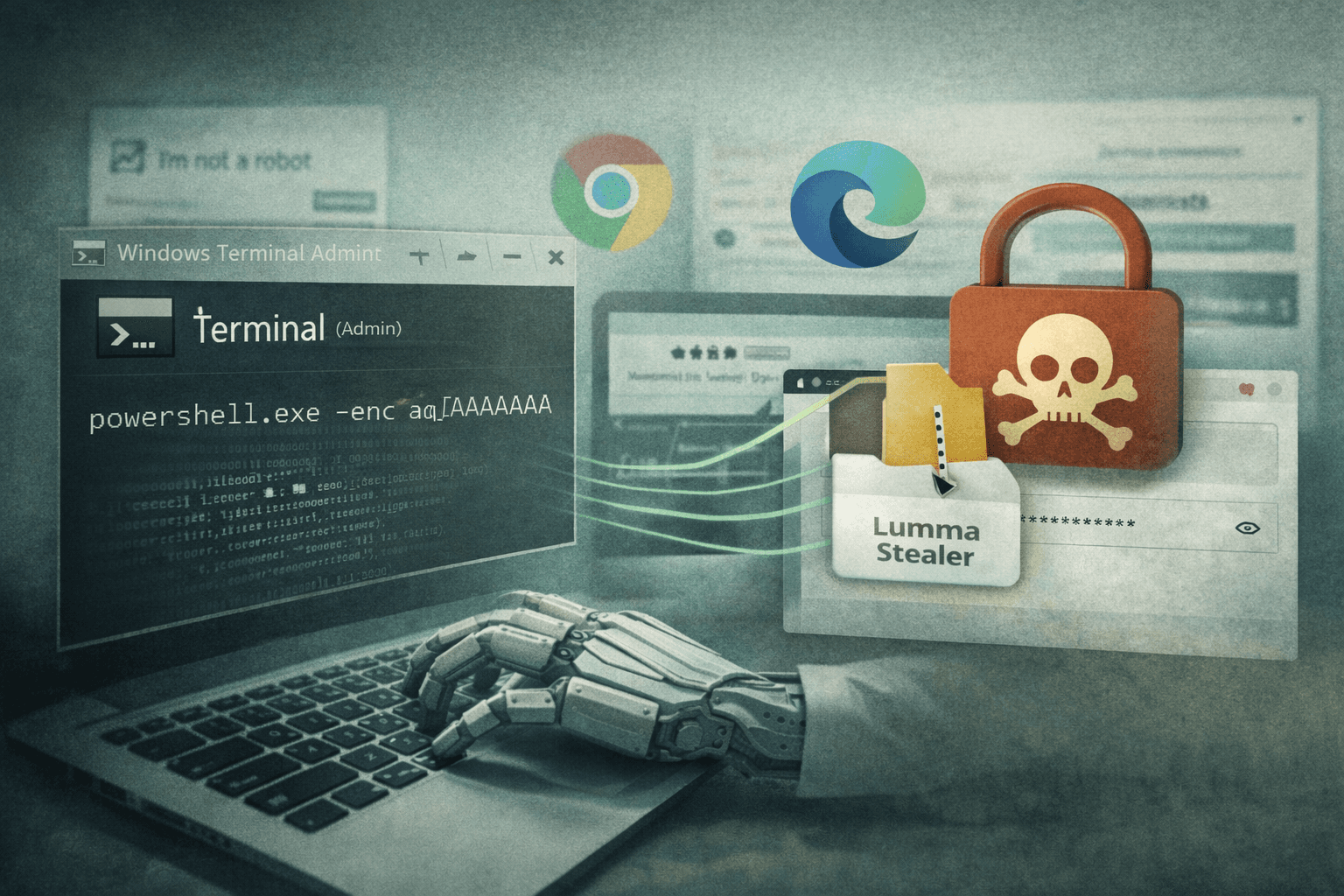
A new wave of credential theft attacks is exploiting one of the most trusted tools on your desktop. Since February 2026, Microsoft Threat Intelligence has tracked a high-volume ClickFix malvertising campaign that weaponizes Windows Terminal — wt.exe — to bypass PowerShell and Run dialog execution controls and deliver Lumma Stealer directly into browser memory. The technique is surgical, blending seamlessly into normal administrator workflows to avoid raising alarms.
ClickFix attacks aren't new, but this evolution is significant. By abusing a native, signed Windows binary that most security policies explicitly trust, threat actors have found a reliable path around common defensive controls. The result is a stealthy infection chain that terminates with credential theft from Chrome and Edge without spawning suspicious child processes.
This article breaks down the full attack chain, explains why Windows Terminal creates such an effective evasion layer, and provides concrete detection and mitigation guidance your security team can act on today.
How ClickFix Lures Trick Users Into Self-Infection
ClickFix attacks succeed because they transfer the execution burden to the victim. Rather than exploiting a software vulnerability, the attacker convinces a trusted human to run the payload themselves.
The Social Engineering Trigger
Victims encounter the lure through malvertising — search ads or compromised websites serving fake CAPTCHA verification pages or fraudulent technical support portals. The pages are convincingly designed and often mirror legitimate services.
The instruction sequence is deliberate and specific:
- Press Win+X to open the Quick Link menu
- Select Terminal (Admin) or Windows PowerShell
- Paste a command provided on the screen
- Press Enter to "verify" identity or "fix" a reported problem
This sequence is psychologically effective because it mirrors genuine IT troubleshooting steps. Users who have followed support instructions before recognize the pattern as legitimate.
Why Windows Terminal Changes the Threat Landscape
Previous ClickFix variants typically instructed users to open the Run dialog (Win+R) or launch PowerShell directly. Many organizations now block or monitor these entry points through Group Policy and endpoint detection and response (EDR) rules.
Windows Terminal (wt.exe) sidesteps these controls entirely. It is a Microsoft-signed binary, present on all modern Windows installations, that executes with the same privileges as the shells it hosts. EDR rules targeting powershell.exe or cmd.exe as parent processes often don't account for wt.exe as the initiating process.
Important: This is a native binary abuse technique — the attacker uses no unsigned or unusual executables at the initial stage. Your software allowlist will not block it.
The Full Infection Chain: From Paste to Browser Injection
Once the victim executes the pasted command, the attack proceeds through multiple stages designed for resilience and stealth.
Stage One: XOR-Encoded PowerShell Delivery
The pasted command passes XOR-encoded PowerShell instructions through Windows Terminal. XOR encoding is a lightweight obfuscation technique that prevents static analysis tools from reading the payload as plaintext. The decoded instructions direct the system to download a ZIP archive and extract its contents to %AppData% — a user-writable directory that typically doesn't trigger write-protection alerts.
This stage establishes the foothold with minimal noise. No UAC (User Account Control) prompt appears because the operation writes only to the user profile space.
Stage Two: Defense Suppression and Persistence
After extraction, the chain executes a sequence of defense degradation steps:
- 7-Zip binary is dropped and renamed — using a renamed copy of a legitimate archiving tool avoids hash-based detection
- Scheduled tasks are created — providing persistence across reboots without requiring registry modifications that trigger common detection rules
- Microsoft Defender exclusions are added — the malware attempts to carve out protection-free zones for its working directories
- Network scanning tools execute — mapping the local environment before exfiltration begins
Table: ClickFix Infection Chain Stage Comparison
| Stage | Technique | MITRE ATT&CK ID | Detection Difficulty |
|---|---|---|---|
| Initial execution | LOLBin abuse via wt.exe | T1218 | High — trusted binary |
| Payload staging | ZIP to %AppData% via PS | T1105 | Moderate |
| Defense evasion | Defender exclusion addition | T1562.001 | Low — auditable |
| Persistence | Scheduled task creation | T1053.005 | Low — auditable |
| Credential theft | APC injection into browser | T1055.004 | High — memory only |
| Exfiltration | Network scan + data send | T1041 | Moderate |
Stage Three: APC Injection Into Chrome and Edge
The final and most technically sophisticated stage uses Asynchronous Procedure Call (APC) injection to load Lumma Stealer code directly into running Chrome or Edge browser processes. This approach is chosen for two reasons: browsers hold session tokens, saved passwords, and cookies in memory, and injecting into an already-running trusted process avoids spawning a new suspicious executable.
The injected code harvests credentials, session cookies, and autofill data before exfiltrating them to attacker-controlled infrastructure. The victim's browser continues functioning normally, providing no visible indication of compromise.
The Alternative Chain: BAT, VBS, MSBuild, and Etherhiding
Microsoft Threat Intelligence identified a second infection variant that demonstrates the campaign's operational flexibility.
LOLBin Escalation Through MSBuild
This alternate chain begins with a BAT file executing a VBS script, which in turn invokes MSBuild.exe — a Microsoft-signed build tool included with the .NET Framework. MSBuild can compile and execute arbitrary C# code at runtime, making it a powerful Living Off the Land Binary (LOLBin) that security policies frequently overlook.
The technique is documented under MITRE ATT&CK T1127.001 and represents an escalation from the primary chain's approach. Using MSBuild allows execution of complex payload logic without dropping a traditional executable to disk.
Etherhiding: Command and Control via Blockchain
The alternate chain employs a technique known as Etherhiding, where command-and-control (C2) infrastructure addresses are concealed within blockchain transactions or crypto-adjacent APIs. This approach makes C2 blocking extremely difficult because:
- Blockchain data is immutable and cannot be taken down
- Crypto RPC endpoints are widely allowed in enterprise environments
- No traditional domain-based threat intelligence applies
Pro Tip: If your organization doesn't use cryptocurrency services operationally, consider blocking crypto RPC endpoints and blockchain API domains at the proxy layer. The legitimate business justification for allowing them is low for most enterprises.
Table: Primary vs. Alternate ClickFix Chain Comparison
| Attribute | Primary Chain | Alternate Chain |
|---|---|---|
| Initial execution | wt.exe → PS | BAT → VBS |
| Core LOLBin | Windows Terminal | MSBuild.exe |
| C2 mechanism | Direct exfil | Etherhiding (blockchain) |
| Persistence method | Scheduled tasks | Variable |
| Final payload delivery | APC browser injection | APC browser injection |
| Detection complexity | High | Very High |
Detection and Mitigation: Closing the Windows Terminal Gap
The good news is that while this technique evades many default controls, it generates auditable signals at multiple points. The challenge is knowing where to look.
EDR Rules for Terminal and APC Activity
Your EDR platform needs explicit coverage for the following behavioral patterns:
- Windows Terminal spawning encoded PowerShell commands —
wt.exeas parent process ofpowershell.exewith-EncodedCommandor XOR-decoded strings - APC injection targeting browser processes — memory write operations into
chrome.exeormsedge.exefrom non-browser parent processes - 7-Zip binary drops with renamed executables — hash mismatches between filename and binary metadata in
%AppData%subdirectories - Defender exclusion additions via PowerShell —
Add-MpPreferencecalls from non-administrative management tools
Review your existing process creation rules and confirm wt.exe is explicitly included as a monitored parent process. Many rule sets were written before Windows Terminal became prevalent and contain this gap.
Blocking Downstream Payload Behaviors
Beyond detection, several preventive controls reduce attack viability:
- Restrict 7-Zip and archiving tool writes to %AppData% using application control policies
- Alert on scheduled task creation by non-management processes — legitimate software rarely creates tasks from user-space directories
- Implement script block logging for all PowerShell execution, including sessions launched through Windows Terminal
- Deploy application control rules that flag MSBuild.exe executing projects sourced from
%Temp%or%AppData%
Organizations operating under CIS Controls v8 should review Control 10 (Malware Defenses) and Control 13 (Network Monitoring) for specific implementation guidance relevant to this threat pattern. NIST CSF 2.0 Detect and Respond functions provide the framework structure for operationalizing these controls.
Key Takeaways
- Add
wt.exeto your EDR monitoring rules immediately — Windows Terminal as a parent process for encoded PowerShell is anomalous and highly suspicious - Audit your Defender exclusion change logs — malware routinely adds exclusions as a first defense evasion step; unauthorized additions indicate active compromise
- Deploy APC injection detection for browser processes — Chrome and Edge are primary targets; memory injection alerts on these processes warrant urgent investigation
- Block crypto RPC and blockchain API endpoints if your organization has no operational need, eliminating the Etherhiding C2 vector
- Train users to recognize social engineering disguised as IT workflows — ClickFix specifically mimics trusted support patterns that security-aware users have been conditioned to follow
- Review LOLBin coverage in your application control and EDR policies to ensure MSBuild.exe execution from user-writable directories triggers alerts
Conclusion
The ClickFix campaign's abuse of Windows Terminal represents a meaningful evolution in credential theft malvertising — not because the underlying techniques are entirely new, but because they are combined with exceptional precision to exploit gaps in standard enterprise defenses. Trusted binaries, user-space operations, and browser memory injection create an attack chain that is difficult to detect and impossible to block with signature-only approaches.
Your defensive response needs to operate at the behavioral layer. Closing the wt.exe monitoring gap, enabling comprehensive PowerShell logging, and deploying APC injection detection for browsers are the highest-priority actions. Review your EDR rule coverage against the MITRE ATT&CK techniques documented here, and ensure your threat hunting program actively looks for the post-exploitation indicators this chain generates. The signals are there — you need the rules to surface them.
Frequently Asked Questions
Q: What is ClickFix malvertising and how does it work? A: ClickFix is a social engineering technique where malicious advertisements or compromised websites display fake CAPTCHA or technical support pages that instruct users to manually paste and execute a command in their terminal. The commands appear legitimate and mimic IT support workflows, tricking users into running malware themselves without triggering traditional exploit-based detection.
Q: Why is Windows Terminal (wt.exe) particularly dangerous in this context?
A: Windows Terminal is a Microsoft-signed native binary present on all modern Windows systems, meaning software allowlists and application control policies typically trust it by default. Many EDR detection rules targeting malicious PowerShell execution monitor powershell.exe directly as the initiating process, but don't account for wt.exe as an intermediate parent — creating a blind spot this campaign actively exploits.
Q: What is APC injection and why do attackers use it against browsers? A: Asynchronous Procedure Call (APC) injection is a technique where malicious code is written into the memory of an already-running legitimate process and executed through the system's APC queue. Attackers target Chrome and Edge because these processes store credentials, session tokens, and cookies in memory, and injecting into a trusted browser process avoids spawning new suspicious executables that would trigger detection.
Q: What is Etherhiding and how does it complicate C2 blocking? A: Etherhiding conceals command-and-control server addresses within blockchain transactions or cryptocurrency API responses, making the C2 infrastructure effectively uncensorable — unlike traditional domains that can be taken down or blocked via threat intelligence feeds. Because crypto RPC endpoints are broadly allowed and the data is immutable on-chain, defenders must block entire categories of blockchain API traffic rather than specific malicious domains.
Q: How can I tell if my organization has already been compromised by this campaign?
A: Look for three primary indicators: unauthorized entries in Microsoft Defender exclusion logs, scheduled tasks created from %AppData% or %Temp% directories, and anomalous memory access events targeting chrome.exe or msedge.exe from non-browser processes. Reviewing Windows Terminal process creation logs for encoded PowerShell child processes in the February 2026 timeframe forward will help identify earlier-stage compromise activity.

Enjoyed this article?
Subscribe for more cybersecurity insights.