
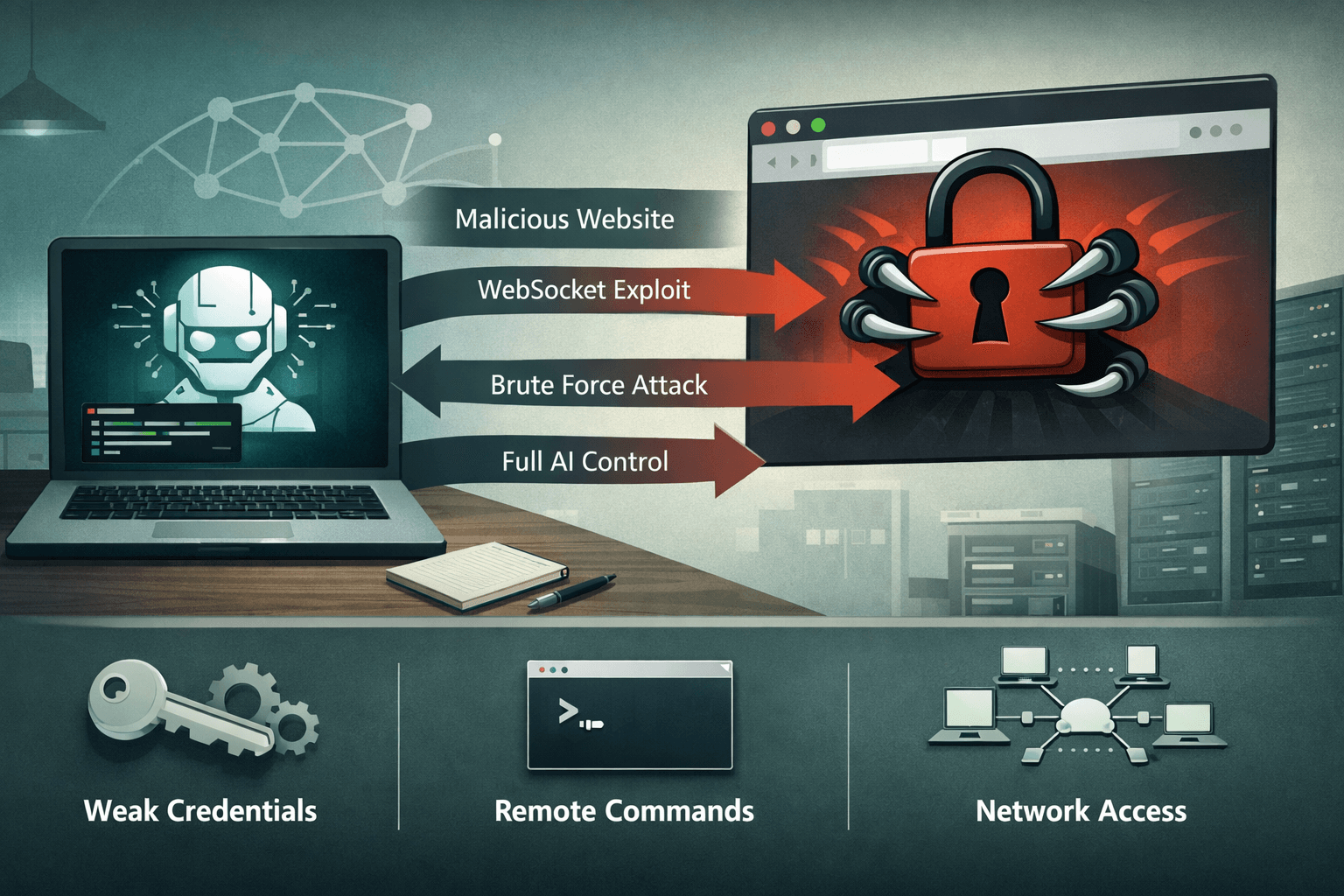
A single website visit should never hand an attacker full control of your local AI agent. Yet that is exactly what the ClawJacked vulnerability makes possible. Researchers recently disclosed a critical flaw in OpenClaw, a popular open-source AI agent framework designed for local, privacy-preserving data processing. The vulnerability allows malicious websites to exploit WebSocket connections, brute-force weak default passwords without rate limiting, and auto-register as trusted devices — all without any user interaction beyond loading a page.
The implications extend well beyond developers experimenting with local large language models (LLMs). Enterprises piloting edge AI deployments, security teams stress-testing local agent frameworks, and anyone running OpenClaw on a networked machine faces real risk. Attackers who successfully hijack an agent gain arbitrary command execution, configuration access, and a potential pivot point into broader enterprise networks.
This article explains how ClawJacked works, why local AI agents create novel attack surfaces, and what you must do right now to protect your environment — whether you run OpenClaw or any comparable agent framework.
Understanding the ClawJacked Vulnerability
ClawJacked represents a class of attack that security professionals will encounter more frequently as AI agent adoption accelerates. Local AI frameworks are being deployed faster than their security models mature.
The WebSocket Attack Chain
OpenClaw exposes WebSocket endpoints on the local machine to enable real-time communication between its agent and calling applications. In early versions, these endpoints lacked authentication tokens and IP whitelisting — a design decision optimized for developer convenience rather than adversarial environments.
The attack chain is straightforward and alarming in its simplicity:
- Victim visits a malicious or compromised website
- Embedded JavaScript initiates a WebSocket probe targeting
localhoston common OpenClaw ports - The attacker's script executes a password spray against the agent's weak default credentials
- With no rate limiting in place, brute-force attempts succeed within seconds
- The attacker's client auto-registers as a trusted device, obtaining full API access
Important: This attack requires no special privileges, no installed software on the victim's machine, and no user interaction beyond visiting the malicious page. Browser-based WebSocket connections to localhost are permitted by default in most browser configurations.
What Attackers Can Do With Agent Access
Once registered as a trusted device, an attacker's capabilities are extensive. OpenClaw's API was designed for legitimate orchestration — which means it exposes powerful functions to whatever client authenticates.
Table: ClawJacked Attack Capabilities and Risk Classification
| Capability | Description | MITRE ATT&CK Mapping | Risk Level |
|---|---|---|---|
| Config Dump | Read agent configuration including API keys | T1552 - Unsecured Credentials | Critical |
| Arbitrary Command Execution | Run OS-level commands via agent | T1059 - Command Interpreter | Critical |
| Network Node Enumeration | Map connected internal nodes | T1046 - Network Service Scanning | High |
| Log Exfiltration | Read agent logs for session data | T1005 - Local Data Collection | High |
| Lateral Movement | Chain to enterprise network via agent connections | T1021 - Remote Services | High |
Why Default Credentials Create Systemic Risk
OpenClaw shipped with weak default passwords and no enforcement mechanism requiring users to change them at setup. Research consistently shows that default credential abuse accounts for a significant percentage of initial access events — a 2024 analysis of industrial control system incidents found default credentials were a factor in over 30% of unauthorized access cases (Industry Research, 2024).
Local AI agents inherit this risk pattern entirely. Developers focused on functionality rarely audit the authentication posture of the tooling they install. Many OpenClaw deployments in enterprise proof-of-concept environments ran unmodified default configurations for weeks or months before ClawJacked was disclosed.
The Expanding Attack Surface of Local AI Agents
ClawJacked is not a one-off implementation error. It reflects a structural challenge in how local AI agent frameworks approach security — and why your security team needs a dedicated strategy for this emerging asset class.
Why Local Deployments Create Unique Risk
Organizations often deploy local AI agents specifically to avoid sending sensitive data to cloud providers. The privacy benefit is real, but it creates a false sense of security. Local does not mean isolated. OpenClaw agents process data locally while still exposing network-accessible endpoints — precisely the interfaces ClawJacked exploits.
- Local agents frequently run on developer workstations connected to corporate networks
- Docker-based agent deployments (confirmed in ClawJacked attack logs) scale the exposure across containerized environments
- WebSocket endpoints on localhost are reachable from any browser tab, making cross-site WebSocket hijacking (CSWSH) a viable attack vector
- Local agents often inherit elevated permissions to access files, APIs, and system resources
Comparing Local vs. Cloud AI Agent Security Postures
Table: Security Posture Comparison — Local vs. Cloud AI Agents
| Security Dimension | Cloud AI Agents | Local AI Agents | Risk Delta |
|---|---|---|---|
| Authentication | OAuth, API keys, MFA | Often password-only or none | Local: Higher |
| Network Exposure | Controlled via cloud WAF | Localhost with browser access | Local: Higher |
| Patch Management | Vendor-managed | User-managed | Local: Higher |
| Audit Logging | Centralized, monitored | Local logs, rarely monitored | Local: Higher |
| Credential Management | Secrets manager integration | Default configs common | Local: Higher |
The Broader WebSocket Abuse Trend
ClawJacked fits into a documented trend of WebSocket abuse across IoT devices, real-time applications, and development tools. Attackers have exploited similar patterns against local developer servers, router administration interfaces, and smart home hubs. The attack methodology — malicious site probes localhost WebSocket, bypasses weak auth, achieves control — is well-understood and actively tooled by threat actors.
AI agents simply represent the newest and most capable target in this category.
Patching, Detection, and Hardening Your Environment
The responsible disclosure process for ClawJacked resulted in a patch released in OpenClaw v2026.2.25, which introduces rate limiting on authentication attempts and mandatory token-based authentication. If you run any version prior to this release, treat your deployment as actively compromised until patched.
Immediate Remediation Steps
Apply these actions in priority order regardless of whether you use OpenClaw or a comparable local agent framework:
- Update to OpenClaw v2026.2.25 immediately — the patch closes the authentication gap that enables the attack
- Change all default credentials — audit every agent deployment for default or weak passwords and enforce complexity requirements
- Implement firewall rules blocking external WebSocket access — restrict agent ports to localhost-only or specific trusted IP ranges
- Enable token authentication — configure API tokens for all agent clients and rotate them on a defined schedule
- Add agent endpoints to your vulnerability scanner inventory — integrate OpenClaw and similar tools into your regular scan cycle
Pro Tip: Use
netstat -anor equivalent to audit which ports your local AI agents expose and verify no unexpected external listeners are active. Many developers are surprised to find their agents bound to0.0.0.0rather than127.0.0.1.
Detection and Monitoring Guidance
Security operations teams should implement specific detection logic for ClawJacked-style attacks.
Table: Detection Indicators for WebSocket-Based Agent Hijacking
| Indicator Type | Specific Signal | Response Action |
|---|---|---|
| Network | Repeated WebSocket connection attempts to agent ports | Alert and block source IP |
| Authentication | Multiple failed password attempts in short succession | Rate limit, alert SOC |
| Process | Agent spawning unexpected child processes | Isolate and investigate |
| Log Analysis | New device auto-registration events | Verify and audit immediately |
| DNS/Network | Agent making unexpected outbound connections | Block and investigate |
Compliance and Governance Implications
Organizations subject to regulatory frameworks face direct exposure from unpatched local agent deployments. Under GDPR, a compromised local agent processing personal data constitutes a data breach requiring notification. HIPAA covered entities running local AI agents for clinical data processing face similar obligations. SOC 2 Type II audits will increasingly scrutinize AI tooling security controls as adoption grows.
The NIST AI Risk Management Framework (AI RMF) and NIST SP 800-218 both address the need for security testing of AI systems and software supply chains — frameworks that apply directly to local agent deployments.
Key Takeaways
- Patch OpenClaw immediately — update to v2026.2.25 to close the authentication vulnerability enabling ClawJacked attacks
- Audit all local AI agent deployments — inventory every instance running in your environment, including Docker containers and developer workstations
- Change default credentials across every agent framework — weak defaults are the direct enabler of this attack class
- Add WebSocket endpoint monitoring to your SOC detection rules — alert on repeated authentication failures and unexpected device registrations
- Restrict agent network binding — configure agents to listen on
127.0.0.1only and implement firewall rules blocking external access to agent ports - Include local AI agents in your vulnerability management program — these tools create real attack surface and must appear in your asset inventory and scan schedules
Conclusion
ClawJacked exposes a fundamental truth about the current state of AI agent security: the ecosystem is maturing faster than its defenses. Local AI frameworks like OpenClaw deliver genuine privacy and performance benefits — but they also introduce attack surfaces that traditional security controls were not designed to address. A malicious website exploiting a WebSocket connection to gain arbitrary command execution on a developer's machine is not a theoretical risk. It is a documented, reproducible attack chain with confirmed attacker interest.
The path forward requires treating local AI agents with the same rigor applied to any network-accessible service: enforced authentication, audited configurations, active monitoring, and disciplined patch management. Update OpenClaw now, audit your WebSocket exposures, and build local AI agent security into your DevSecOps program before the next ClawJacked-class vulnerability forces your hand.
Frequently Asked Questions
Q: Does ClawJacked affect users who run OpenClaw inside a Docker container?
A: Yes — attack logs from the ClawJacked research confirmed attackers specifically tested exploitation against Dockerized OpenClaw deployments. Containers that expose agent ports to the host network or external interfaces remain vulnerable to the same WebSocket attack chain. Patch to v2026.2.25 and audit your Docker port binding configurations to ensure agent ports are not unnecessarily exposed.
Q: Can this attack succeed if the victim is behind a corporate firewall?
A: Corporate firewalls provide limited protection against ClawJacked because the attack originates from the victim's own browser. When an employee visits a malicious website, the WebSocket probe runs in their browser and targets localhost — bypassing perimeter defenses entirely. Endpoint-level controls, network segmentation, and browser security policies offer more relevant protection than traditional firewall rules in this scenario.
Q: What makes WebSocket-based attacks against localhost particularly difficult to defend?
A: Browsers permit JavaScript on any website to initiate WebSocket connections to localhost by default, creating a cross-origin access path that many developers and security teams do not anticipate. Unlike HTTP requests, WebSocket connections are not subject to the same Cross-Origin Resource Sharing (CORS) restrictions, making them a reliable attack vector for targeting locally running services. Requiring strong authentication tokens on all local agent endpoints is the most effective mitigation.
Q: How should security teams include local AI agents in their existing vulnerability management programs?
A: Add local AI agent frameworks to your software asset inventory and configure your vulnerability scanner to cover the ports they use. Treat agent configuration files as sensitive assets subject to the same review process as server configurations. Establish a policy requiring approved, patched versions of AI frameworks before deployment in any environment that connects to corporate networks.
Q: Is ClawJacked specific to OpenClaw, or do other local AI agent frameworks share similar risks?
A: The specific CVE affects OpenClaw, but the underlying vulnerability class — unauthenticated or weakly authenticated localhost WebSocket endpoints exploitable via malicious websites — is not unique to this framework. Any local AI agent or developer tool that exposes WebSocket endpoints without robust authentication and rate limiting shares comparable risk. Security teams should audit all local AI tooling for equivalent exposures regardless of whether it is OpenClaw.

Enjoyed this article?
Subscribe for more cybersecurity insights.